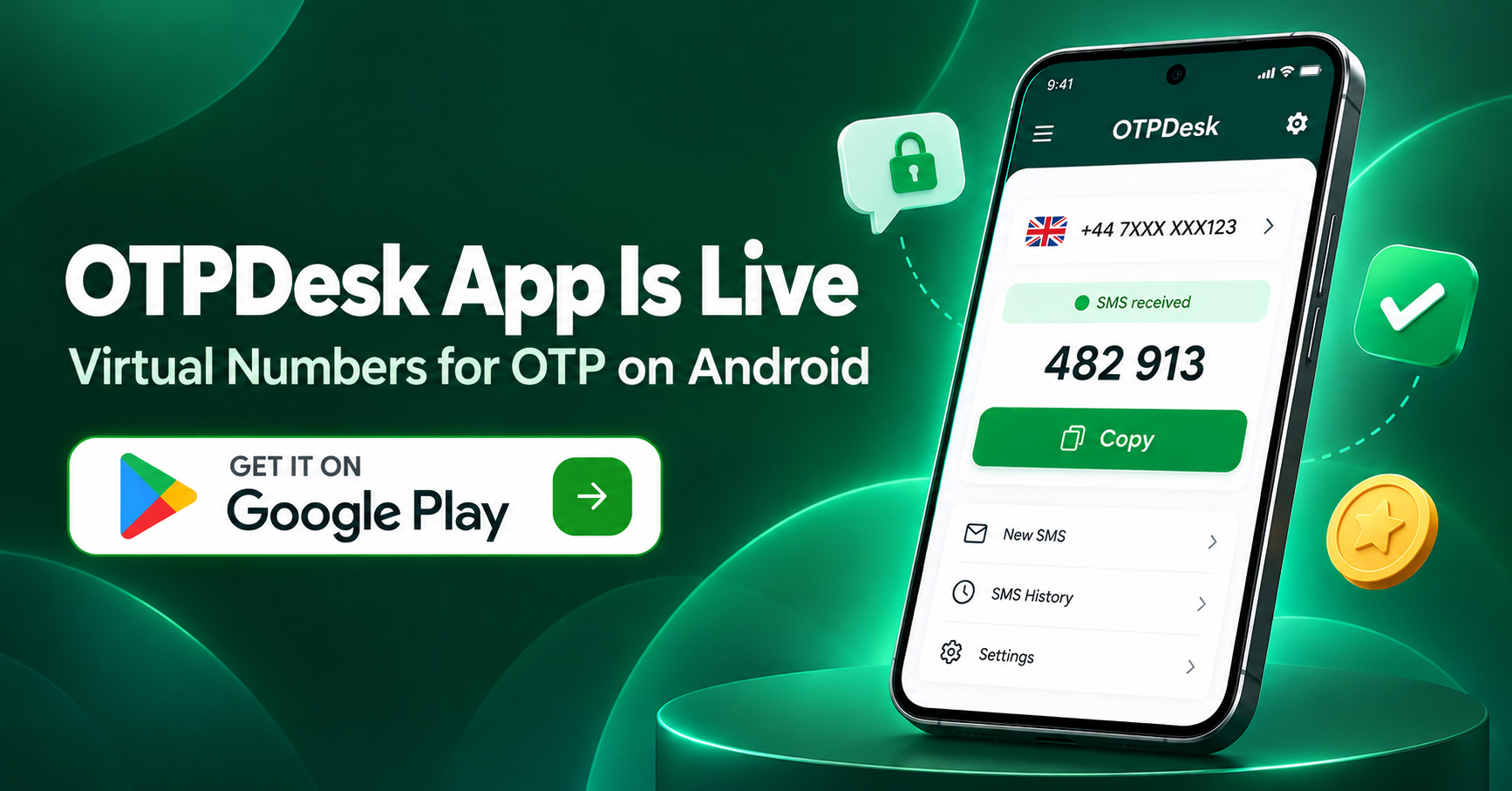
The OTPDesk app is now live on Google Play. If you have been using OTPDesk in a mobile browser, you can now rent a virtual number, read the OTP and top up your wallet from one Android app. No SIM card, no second phone, and no switching between tabs while a verification timer runs down.
Below: what the app does, how to get your first code, what it costs, and what happens when a code never shows up.
Key Takeaways
- The OTPDesk app (OTPDesk - SMS & Virtual Number) is free to install from Google Play. You pay only for numbers you use.
- Numbers cover 195+ countries and 500+ services, with prices starting at about ₹4 ($0.05) per number.
- If no SMS arrives, you can cancel the order and the full amount returns to your OTPDesk wallet.
- You can add balance with UPI, debit or credit cards, or crypto (USDT TRC-20 and TRX).
What Is the OTPDesk App?
OTPDesk is a virtual number service. You pick a country and the app or website you need to verify, we give you a real mobile number, and the SMS code sent to that number appears on your screen. The Android app does the same job as otpdesk.com, but it is built for the phone you already hold in your hand.
From the app you can:
- Browse numbers by country and service
- Rent a number in a few seconds
- Watch incoming SMS and OTP codes on a live order screen
- Cancel an order that has not received a code
- Check your wallet balance and add funds
- Sign in to the same account you use on the website
Why We Built an Android App
Most verifications happen on a phone. You are signing up for something on your phone, the app asks for a number, and now you have to switch to Chrome, log in to OTPDesk, find the service, copy the number, switch back, paste it, then switch again to wait for the code.
The most common way to lose a code in the browser is simple: the code arrives, but the tab has gone to sleep in the background and never refreshes. The app fixes that. The order screen stays open, the code appears as soon as it lands, and copying it takes one tap.
How to Install OTPDesk from Google Play
- Open the Google Play Store on your Android phone.
- Search for OTPDesk, or go straight to the OTPDesk listing on Google Play.
- Check that the listing reads OTPDesk - SMS & Virtual Number before you tap Install.
- Open the app and sign in, or create a free account. No card is needed to sign up.
Install only from Google Play. We do not share APK files, and a modified copy could steal your login or balance.
How to Get Your First OTP in the App
Step 1: Add balance
Open the wallet section and pick a payment method. Indian users mostly pay by UPI. Card payments and crypto are also supported (more on that below). Your balance does not expire, so you can top up a small amount and use it whenever you need.
Step 2: Pick the service
Search for the app or website you want to verify, for example Telegram, Google or Instagram. Picking the correct service matters. A number rented for one service is set up to receive codes for that service.
Step 3: Pick the country
Each country shows its own price and stock. Prices change with supply, so a number for the same service can cost less in one country than another.
Step 4: Rent the number
Tap buy. A number is usually ready within about 5 seconds. Copy it and paste it into the app that is asking for verification.
Step 5: Read the code
Go back to OTPDesk and keep the order screen open. Most codes arrive within 15 to 30 seconds. When it lands, tap to copy, paste it into the other app, and you are done.
If nothing has arrived after about 3 minutes, do not keep waiting. Cancel the order and try another number or country.
Pricing and Payment Methods
OTPDesk is pay-as-you-go. There is no subscription and no monthly fee. You load your wallet, and each number is charged only when you rent it. Prices start at roughly ₹4 or $0.05 per number. Popular services such as WhatsApp or Telegram in high-demand countries cost more. Full rates are on our pricing page.
You can add funds through:
- UPI (GPay, PhonePe, Paytm and other UPI apps)
- Debit and credit cards, including Indian cards
- USDT on TRC-20 and TRX
For crypto, send only USDT on the TRON (TRC-20) network or TRX. Deposits are credited after one network confirmation. If TronScan shows the transfer as successful but your balance still reads 0.00, send the TXID to our Telegram support and we will credit it by hand.
Deposits are final. We do not pay out unused balance as cash or crypto, so add only what you plan to spend.
What Happens If the Code Never Arrives?
This is the question we hear most, so here is the plain answer: if no SMS shows up, you do not pay.
- You cancel: tap Cancel on an active order. If no SMS has arrived yet, the full amount goes back to your wallet straight away.
- The order times out: each rental has a 20-minute window. If no code comes in during that time, the order closes and 100% of the cost returns to your wallet.
- The carrier blocks it: if our system detects a carrier block before delivery, the order is cancelled and refunded.
Once a code appears on your screen, the order counts as complete. We cannot refund it if the other app later rejects your device or IP, if you picked the wrong service, or if you let the other app's own timer run out. Refunds go to your OTPDesk wallet, not back to your bank or card. The full rules are in our refund and cancellation policy.
Tips for a Higher Success Rate
Most failed verifications are not caused by the number. The platform you are signing up for sees something it does not trust. A few habits help:
- Match the country. If your connection is in India and the number is from the UK, some apps get suspicious. Pick a number from the country you are in when you can.
- Avoid free public VPNs. Many platforms reject sign-ups from known VPN IP ranges on sight.
- Use the code quickly. Every app has its own expiry timer. Paste the OTP as soon as you see it.
- Do not reuse numbers. Each number is single-use for a service. After it verifies an account, it cannot be rented again for the same service.
- Expect SMS only. OTPDesk numbers do not accept voice or flash calls. If an app tries to call, let its timer run out and choose "send code by SMS".
We cover this in more depth in our guide on how to avoid account bans and improve success rates. If you are verifying Telegram specifically, read how to buy a virtual number for Telegram.
Is the OTPDesk App Safe to Use?
Here is what we have declared on the Google Play Data safety section for the app:
- We do not share your data with third parties.
- Data is encrypted in transit.
- You can ask us to delete your data.
- The app may collect basic personal info, such as the email you sign up with.
The bigger privacy win is what you do not hand over. When a shopping site, a forum or a trial account gets your OTPDesk number instead of your real SIM, your personal number stays out of their database and out of the next data leak. That is also why we do not recommend free public SMS sites: anyone can read the codes on those pages. Our post on free vs paid virtual numbers explains the risk.
OTPDesk is an independent service, not affiliated with WhatsApp, Telegram, Google or any platform you verify with. Each platform's own terms still apply to the accounts you create.
Who the App Is For
The app suits you if you:
- Want to keep your personal number private when signing up for apps and websites
- Run several work or business accounts and need a separate number for each
- Test apps that send OTPs and need fresh numbers from different countries
It is not the right tool if you need a number that receives calls, or one you can keep for months. Our numbers are SMS-only and single-use. Developers who want to automate orders should use the OTPDesk API instead of the app.
Frequently Asked Questions
Is the OTPDesk app free?
Yes. The app is free to download and sign up for. You only pay for the numbers you rent, starting at about ₹4 per number.
Can I use my existing OTPDesk account in the app?
Yes. Sign in with the same login you use on otpdesk.com. Your wallet balance and order history are shared.
Is there an iPhone version?
Not yet. The app is on Google Play for Android. iPhone users can use the full service at otpdesk.com in Safari.
Download OTPDesk on Google Play
If you verify accounts from your phone, the app saves you the tab switching and the missed codes. Install it, add a small amount by UPI or USDT, and run one test order to see how it works for you.
Questions or a stuck order? Reach us at support@otpdesk.com or on Telegram, and include your order ID so we can check it fast.