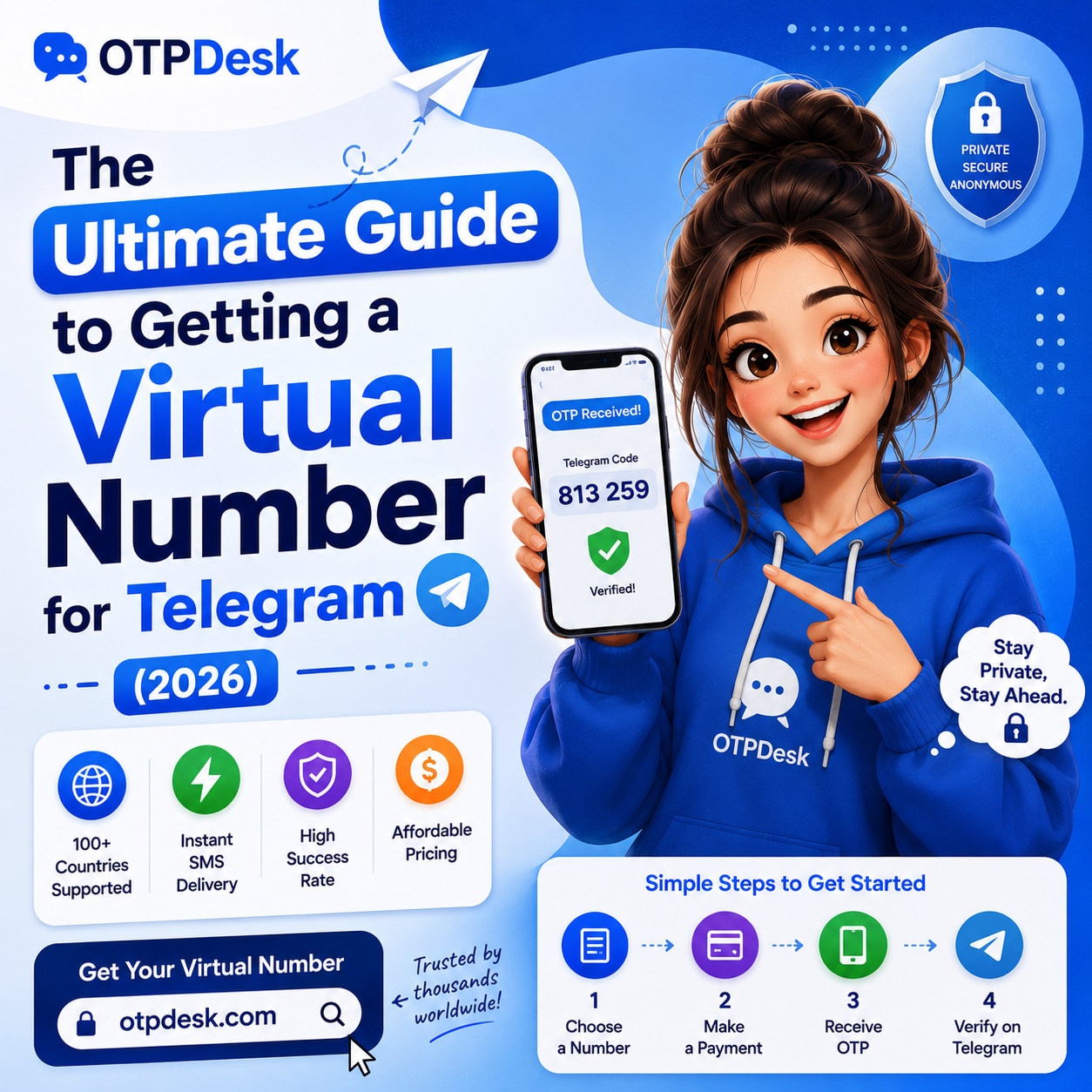
Why You Need a Virtual Phone Number for Telegram
Telegram has grown into one of the most popular privacy-focused messaging platforms in the world. However, there is a major security paradox: to register a Telegram account, you must provide a valid phone number. If you use your personal number, you expose your digital identity, risk SIM swapping attacks, and invite unsolicited spam. A virtual phone number for Telegram solves this problem, allowing you to bypass physical SIM requirements and secure your online privacy.
Key Benefits of Using a Virtual Number on Telegram:
- Keep Your Personal Number Private: Protect your primary phone number from database leaks and third-party trackers.
- Manage Multiple Profiles: Create separate Telegram accounts for business, networking, crypto groups, and personal chats.
- Bypass Geo-Restrictions: Register an account with a number from a different country to access regional channels.
- Avoid Number Recycling Risks: Carrier-recycled SIMs can inherit a stranger's old Telegram history. A fresh virtual number sidesteps that entirely.
- Business Continuity: Run a support or sales Telegram line without tying it to a founder's or employee's personal device.
Step-by-Step Walkthrough: How to Get a Telegram Virtual Number on OTPDesk
Acquiring a virtual number for Telegram is quick and secure. Follow these steps to register your account in minutes:
- Create a Free OTPDesk Account: Sign up at OTPDesk.com. No credit card is required.
- Fund Your Wallet: Top up your balance using instant, private payment methods. We fully support popular cryptocurrencies like USDT (TRC-20) and TRX.
- Choose Service and Country: Go to your client dashboard, search for "Telegram" under the services list, and select your desired country (e.g. USA, UK, Cameroon, or India).
- Receive Your OTP: Copy the temporary virtual number provided, paste it into the Telegram app, and request the code. The 5-digit verification code will appear on your OTPDesk dashboard within seconds. Copy it to activate your Telegram profile!
- Save Your Number for Later Logins: If you plan to log back into the same Telegram account, note the country and number — OTPDesk keeps the activation on record in your dashboard history for reference.
Choosing the Right Country for Your Telegram Number
Not all countries perform equally well for Telegram registration. Some regions have higher success rates and lower flag risk because Telegram's anti-fraud systems weight certain number ranges differently based on real-world usage patterns.
| Country | Typical Use Case | Success Rate |
|---|---|---|
| USA | General use, business accounts, US-region channels | High |
| UK | European business presence, GDPR-conscious users | High |
| India | Regional groups, budget-friendly registration | High |
| Cameroon | Backup/secondary accounts, lower-cost option | Moderate |
For most users, starting with a USA or UK number offers the best balance of reliability and Telegram's internal trust scoring.
Pro-Tips to Keep Your Telegram Virtual Account Safe
Telegram has strict automated anti-spam systems that occasionally flag new accounts. To ensure your virtual profile remains active and secure, follow these expert rules:
- Enable Two-Step Verification (2FA) Immediately: Go to Telegram Settings → Privacy & Security → Two-Step Verification and set a strong cloud password. This secures your account forever and prevents unauthorized log-ins.
- Use Residential IPs: If you use a VPN or proxy during registration, make sure it is a high-quality residential IP rather than a blacklisted public server.
- Do Not Send Bulk Links: Let your account "warm up" for the first 48 hours by chatting with contacts before joining hundreds of channels or sending links.
- Add a Profile Photo and Bio: Empty profiles are statistically more likely to be flagged by Telegram's spam heuristics than profiles with basic completed details.
- Avoid Mass-Joining Channels on Day One: Join a handful of channels gradually instead of dozens immediately after activation.
Common Issues and How to Fix Them
- I didn't receive the OTP code — what now?
- Wait up to 60 seconds, as carrier-side delivery can lag slightly. If nothing arrives, OTPDesk's auto-refund policy returns your balance automatically for failed deliveries — no manual ticket needed in most cases.
- Telegram says "Too many attempts" — what should I do?
- This is a Telegram-side rate limit, not an OTPDesk issue. Wait the cooldown period Telegram specifies (usually a few hours) before retrying with a fresh number.
- Can I reuse the same virtual number later?
- Numbers are typically rotated back into the pool after the activation window closes, so treat each purchase as single-use unless you specifically select a rental/long-term number plan.
Why Choose OTPDesk Over Cheap Alternatives?
Unlike other platforms that provide recycled VoIP ranges, OTPDesk routes its services through real physical SIM card pools. This ensures your number looks like a standard consumer line to Telegram's filters, resulting in a 99% success rate and zero instant bans. For an in-depth comparison, read our review on OTPDesk vs 5sim and find out why developers are switching. If you are currently using other popular providers, see how we stack up against them in our guide to SMS-Activate alternatives.
Frequently Asked Questions
Is it legal to use a virtual number for Telegram?
Yes. Using a virtual number to register a messaging app is legal in nearly every jurisdiction — it's a privacy tool, not a way to bypass identity laws. Always check your local regulations if you're using it for regulated business communication.
Will my Telegram account get banned for using a virtual number?
Not inherently. Bans typically result from spam-like behavior (mass messaging, bulk channel joins) rather than the number type itself. Following the warm-up guidelines above significantly reduces flag risk.
How long does activation take?
Most OTP codes arrive within 5–30 seconds of requesting them through the OTPDesk dashboard.
Can I use the same virtual number for WhatsApp and Telegram simultaneously?
Generally no — most messaging platforms only allow one active registration per number at a time. Purchase separate numbers for each platform you're verifying.